Using PrepVault
When PrepVault gets something wrong
PrepVault leans on AI to parse job descriptions, run the role analysis, write prep briefs, and pull company research. AI gets things wrong sometimes. It misreads a title, tags a skill that isn't really there, or says something about a company that's gone stale.
None of it is locked. Here's how to fix what's off and how to tell us about it.
You can edit anything generated
Parsed job details, your notes, and the fields PrepVault fills in are all editable. If the parser grabbed the wrong title or salary, change it. The next prep brief reads from your edits and notes, so correcting the record actually improves what comes next.
Regenerate when it's worth it
AI outputs like prep briefs are generated fresh each time. If a brief feels off, add a note with the missing context and generate again. The second pass reads your correction. Generation limits reset daily, so you're not stuck with a bad first draft.
Flag a question that's wrong
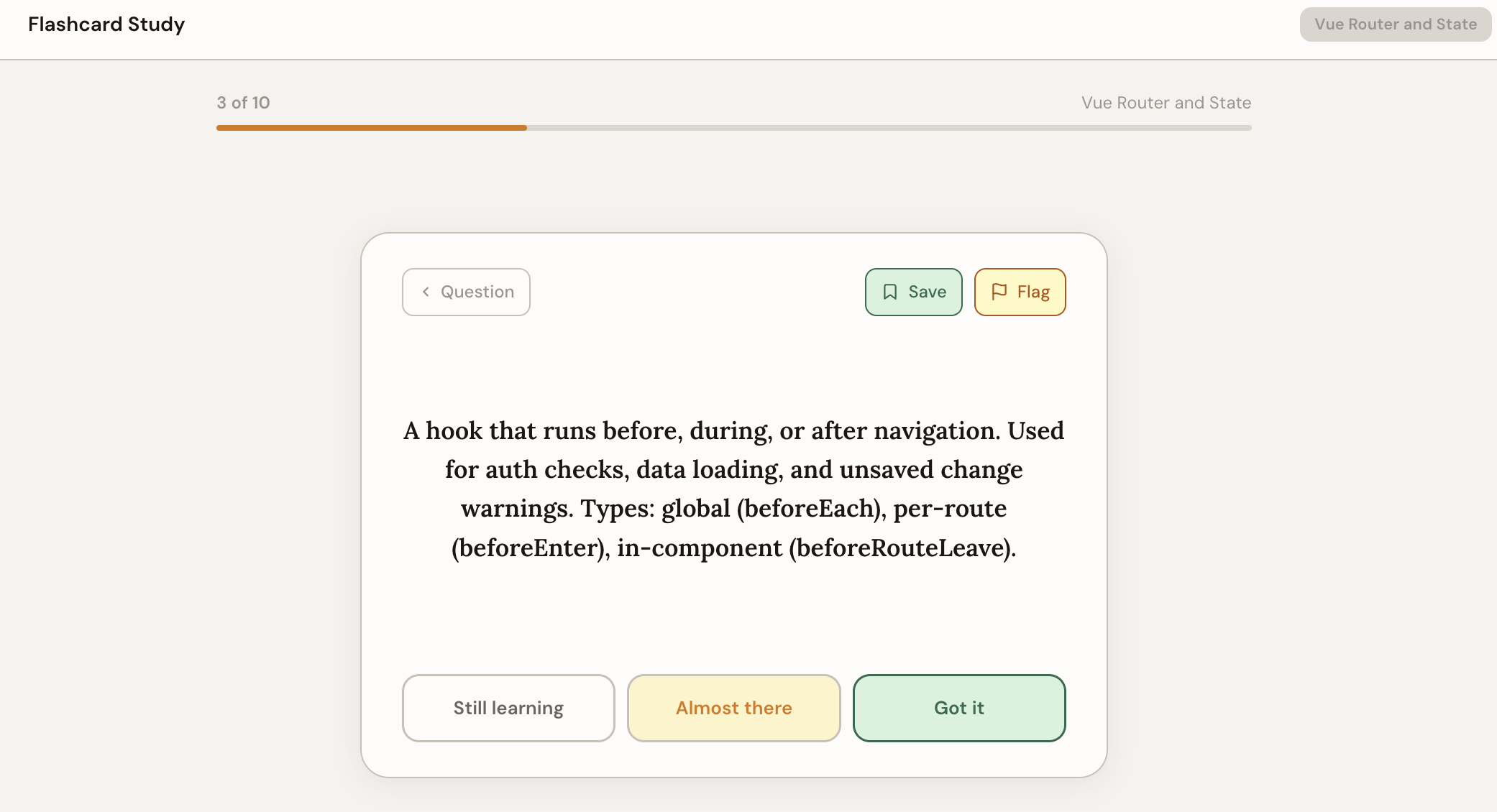
If a practice question or flashcard has a wrong answer or a typo, flag it from the card. That sends it to us to review and fix, so the next person doesn't hit the same thing.
Tell us what's off
For anything bigger, like a company report that's out of date or a feature acting strange, use the feedback button and pick Bug. Say what you expected and what you got. That's what turns a one-off annoyance into a fix.