Using PrepVault
When a recruiter reaches out
A recruiter landing in your inbox is a good problem. It's also easy to lose. You reply, a few days pass, and you can't remember which company, which role, or what they said the salary band was.
PrepVault has a flow built for exactly this moment.
Capture it the moment it lands
Hit the plus button and choose Recruiter reached out. Put in who contacted you, the company, and the role they mentioned. Do it while the message is still in front of you, before the details blur together.
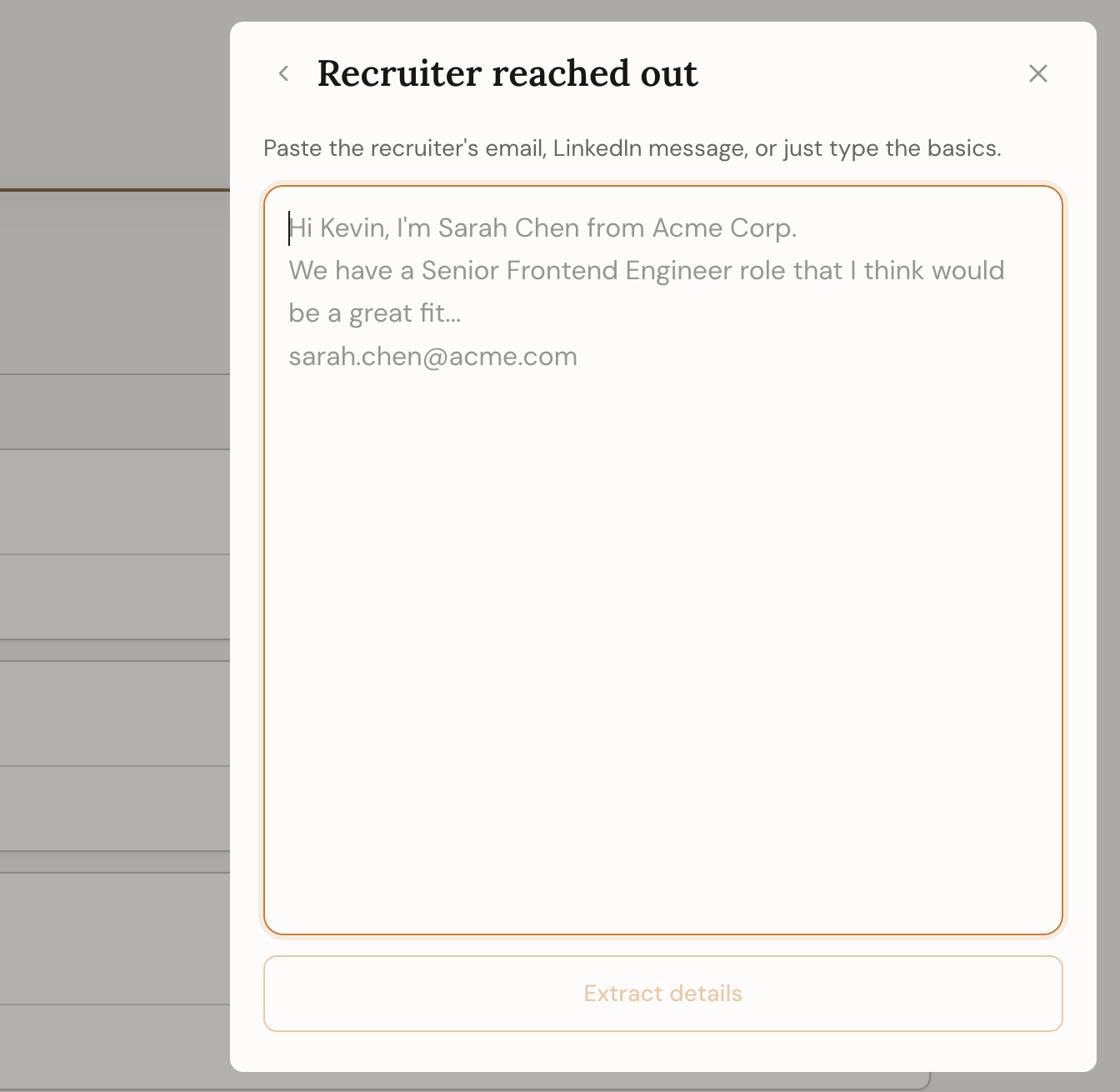
It links the recruiter to the role
The flow saves the recruiter as a contact and ties them to the job, so the conversation lives with the role instead of buried in email. Next time they follow up, you know exactly where you left off.
Decide without rushing
Not every inbound is worth chasing. Capturing one doesn't commit you to anything. Park it, add a note on your read of the role, and give it real prep time only if it earns it.
If you do move forward, paste the job description in and run the role analysis. You'll walk into that first call knowing more than the recruiter expects.