Using PrepVault
Giving feedback that actually lands
PrepVault is early, and feedback from people running real searches is how it gets better. Every message gets read. Here's how to send one that's easy to act on.
Where to send it
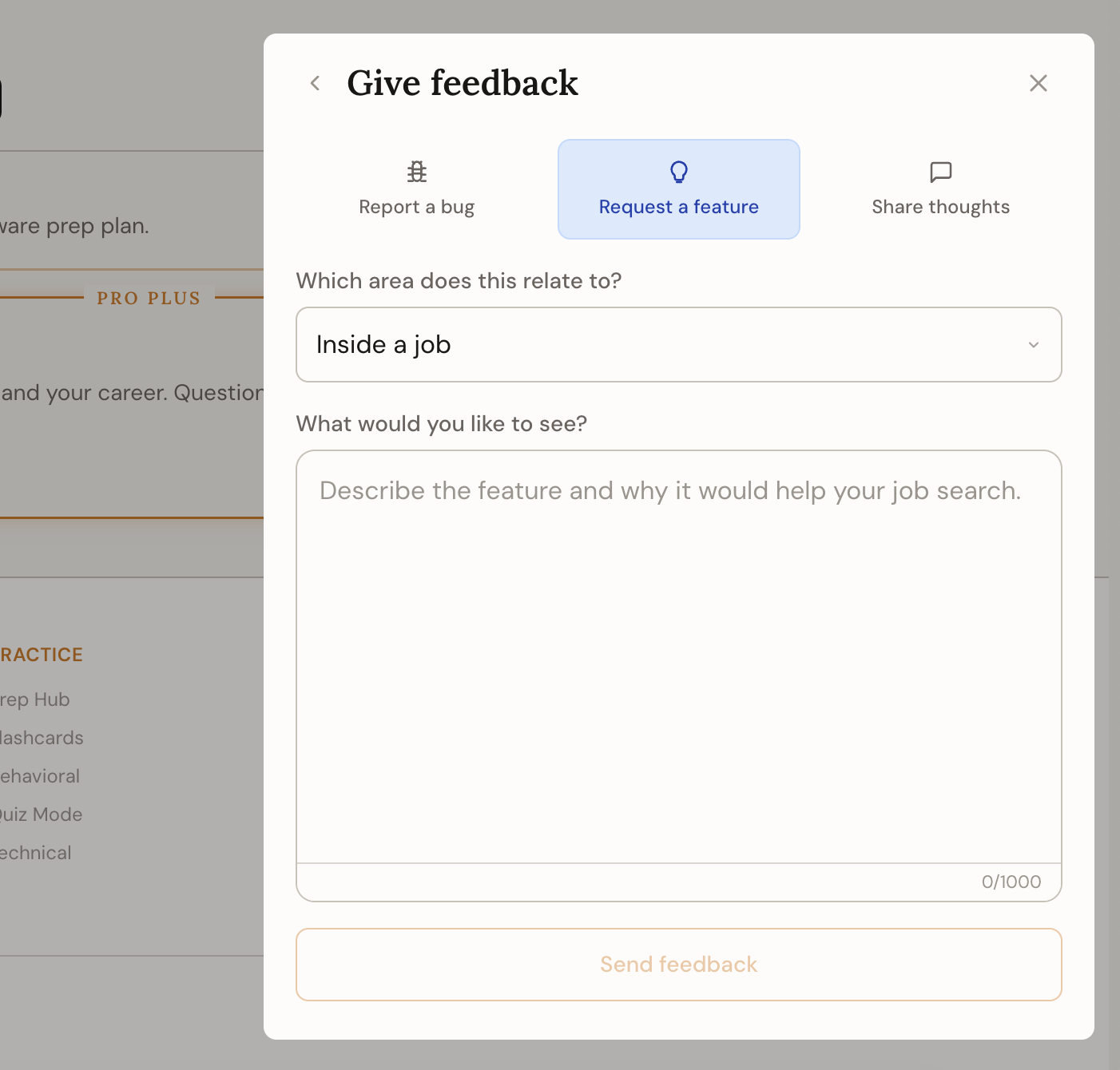
Hit the plus button and choose Give feedback. Pick the type, bug, feature request, or just thoughts, and the part of the app it's about. The more specific the area, the faster it reaches the right place.
What makes feedback useful
For a bug, say what you did, what you expected, and what happened instead. For a feature request, describe the problem you're trying to solve, not just the feature you think you want. The problem is what we can actually design around.
Short and specific beats long and vague. One clear example of something that tripped you up is worth more than a paragraph of general impressions.
What happens next
Feedback goes to the team, not into a void. It shapes what gets built and which docs get rewritten. If something in these guides was confusing, that's worth flagging too.