Using PrepVault
Getting started: the 60-second tour
PrepVault keeps everything about every job you're chasing in one place. Company research, your notes, who you've talked to, and a prep brief for each interview. The point is simple. When something moves fast, you already have the full picture.
Here's the whole tool in about a minute.
Start at the dashboard
The dashboard is your morning check. It shows what needs attention today, the roles in motion right now, and a prep path that walks you through the first things worth doing.
If a job hasn't moved in a couple of weeks, it tells you. If an interview is coming up, the prep for it sits one tap away.
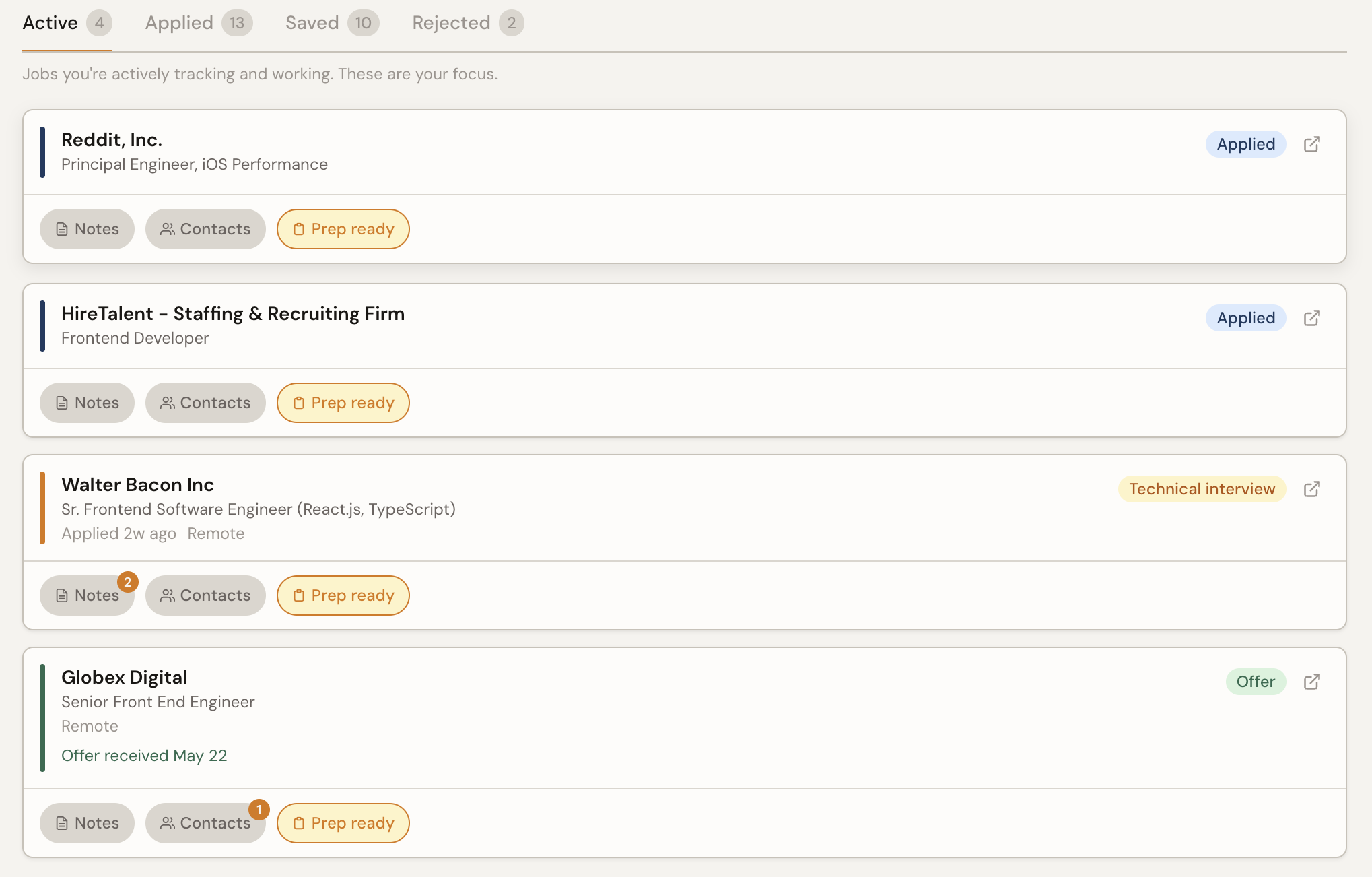
Add the jobs you're chasing
Add a role by pasting the job description, typing the details yourself, or starting from a recruiter message. PrepVault reads the description and pulls out the skills, the company, and what the role actually wants.
Tracking is unlimited on every plan. Paid plans prep more roles deeply at once as your search grows.
Prep built from your own history
Open a job and you get its own space. Notes, contacts, company research, and the role analysis that maps your skills against what the posting asks for. From there you can generate a prep brief that's specific to that role and what you've already written down.
Every note and every stage change feeds the next brief. The more you put in, the sharper it gets.
Practice the weak spots
The question bank, flashcards, quiz, and behavioral practice all live under Prep. Use them to drill the things you're shaky on, not the things you already know.
That's the tour. Add a job, write down what you learn, and let the prep build itself.