Using PrepVault
Study guides: build one for the role
A study guide pulls the questions and concepts that matter for a role into one place you can read top to bottom. Not a pile of random questions. The ones that fit the job you're prepping for.
Here's how to build one and what each option does.
What a study guide is
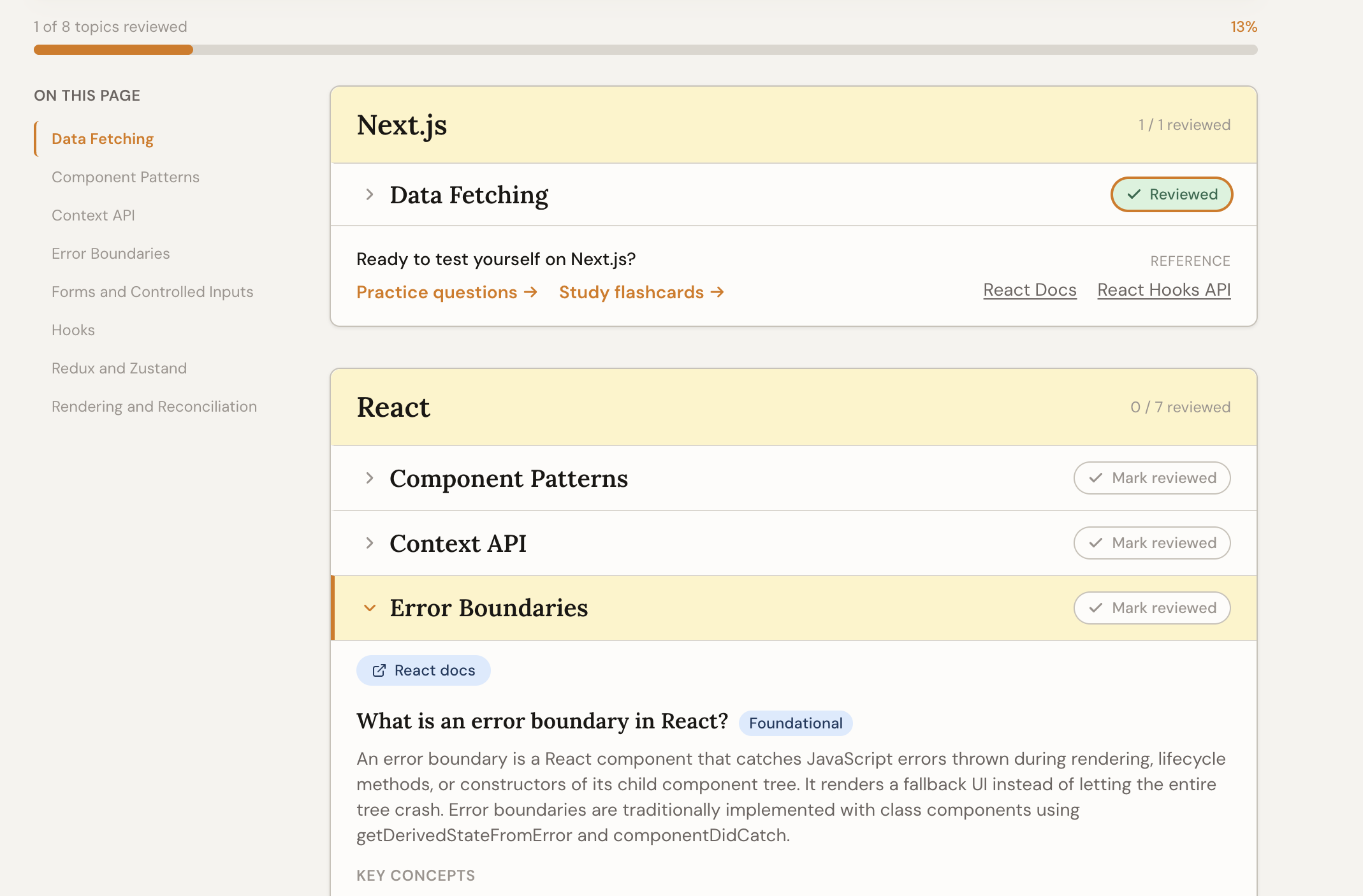
PrepVault compiles a guide from the question bank and your flashcards, grouped by category and topic. You pick what goes in and how deep it goes, then read it like a document instead of clicking through cards one at a time.
Building a guide for a role is part of the free toolkit. The AI study plan that sequences it into a day-by-day schedule is a Pro feature.
Choosing what goes in
The builder has a toggle for each kind of content: full explanations, key-concept summaries, code examples, the common mistakes people make, the follow-up questions an interviewer asks next, and quick-recall question and answer pairs. Turn off what you don't need so the guide stays focused.
You can also filter by difficulty, from foundational to expert, so someone prepping for a staff role isn't wading through entry-level material.
How to actually use it
Read it once end to end to find the gaps, then go back to the parts you stumbled on. A study guide is for finding what you don't know. Flashcards and quiz mode are for drilling it until it sticks.
Build a fresh guide per role rather than one giant catch-all. A guide tuned to one job's stack is shorter and far more useful than everything you might ever be asked.