Using PrepVault
Save jobs from any board with the browser extension
Copying a job into a tracker is the kind of small friction that adds up. Open the posting, copy the title, copy the company, paste the description, switch tabs. Do that fifteen times in a week and you start skipping it.
The PrepVault browser extension removes that step. You're on a listing, you click the icon, the job is saved.
What it does
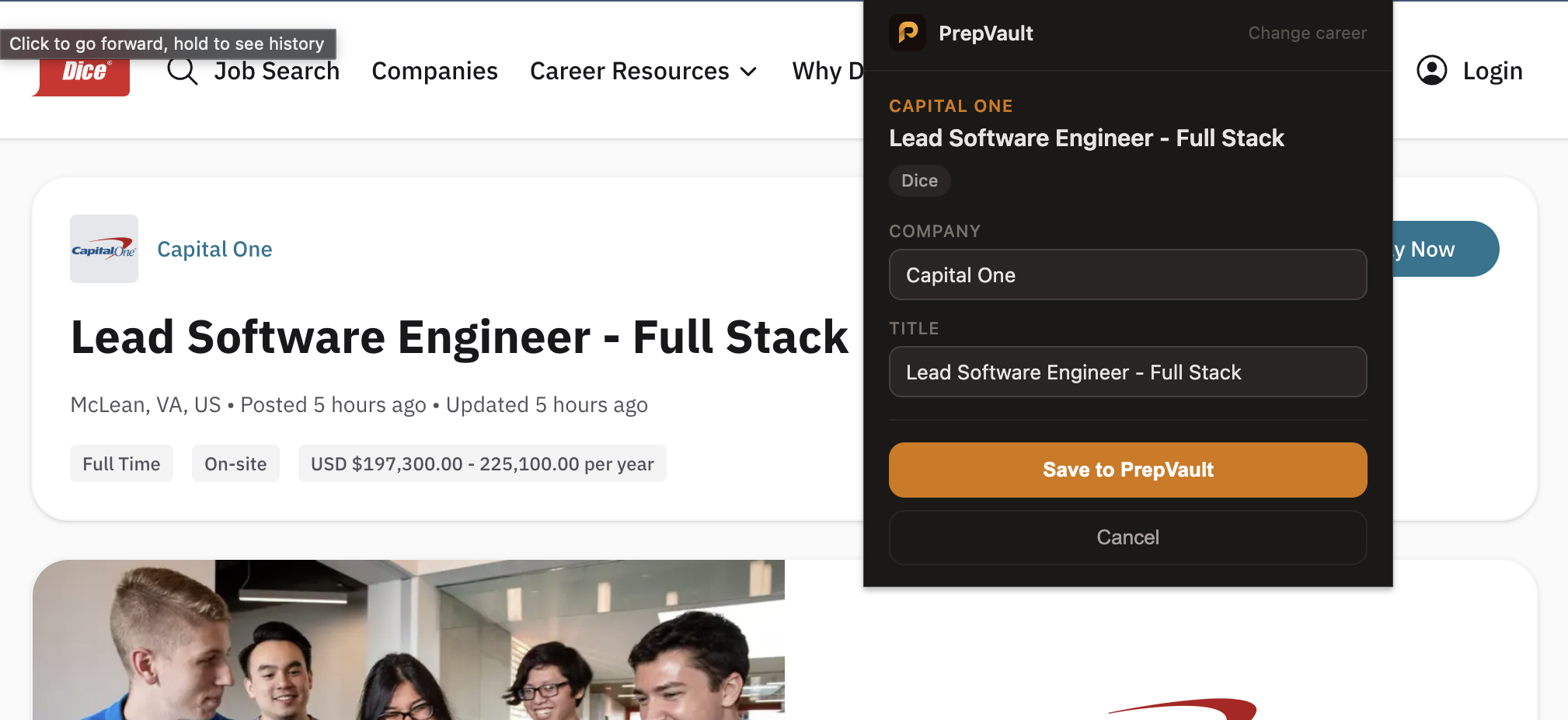
When you're on a job listing, click the PrepVault icon in your toolbar. The extension reads the page, shows you what it found, and saves it to your pipeline as a saved job. Title, company, location, and the full description come with it, so the role analysis has something to work with later.
It reads LinkedIn, Indeed, Dice, and Wellfound directly. On other boards it falls back to a general reader that pulls the title and description off the page, and if a page won't read cleanly, it lets you type the two fields in by hand instead of failing.
Set it up
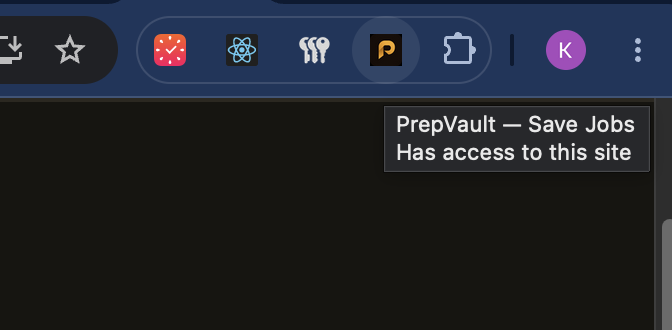
Install the extension, then pin it so the icon stays visible. Keep a PrepVault tab open and signed in while you browse. That's how the extension knows it's you and which account to save to.
The first time you open it, it asks what kind of work you do. That's only used to show you the right job boards on its home screen, and you can change it any time.
It works for almost any career
The extension isn't tech-only. It knows the boards that matter for nursing, teaching, caregiving, sales, finance, and the rest, and the general reader handles listings on sites it hasn't seen before. A teacher saving a posting from EdJoin gets the same one-click save as an engineer on LinkedIn.
Whatever you're searching for, the goal is the same. Less retyping, and more of your roles in one place where the prep tools can reach them.
When a page won't read
Some listings are built in ways the reader can't parse, and some load their content slowly. If the popup can't pull the details, it gives you two fields, company and title, and saves those. You can paste the description in later from the job's page, and the role analysis picks it up when you do.